
Card payments
Parents pay through Stripe Checkout and funds are routed to your connected account. Oakline does not hold your booking revenue.
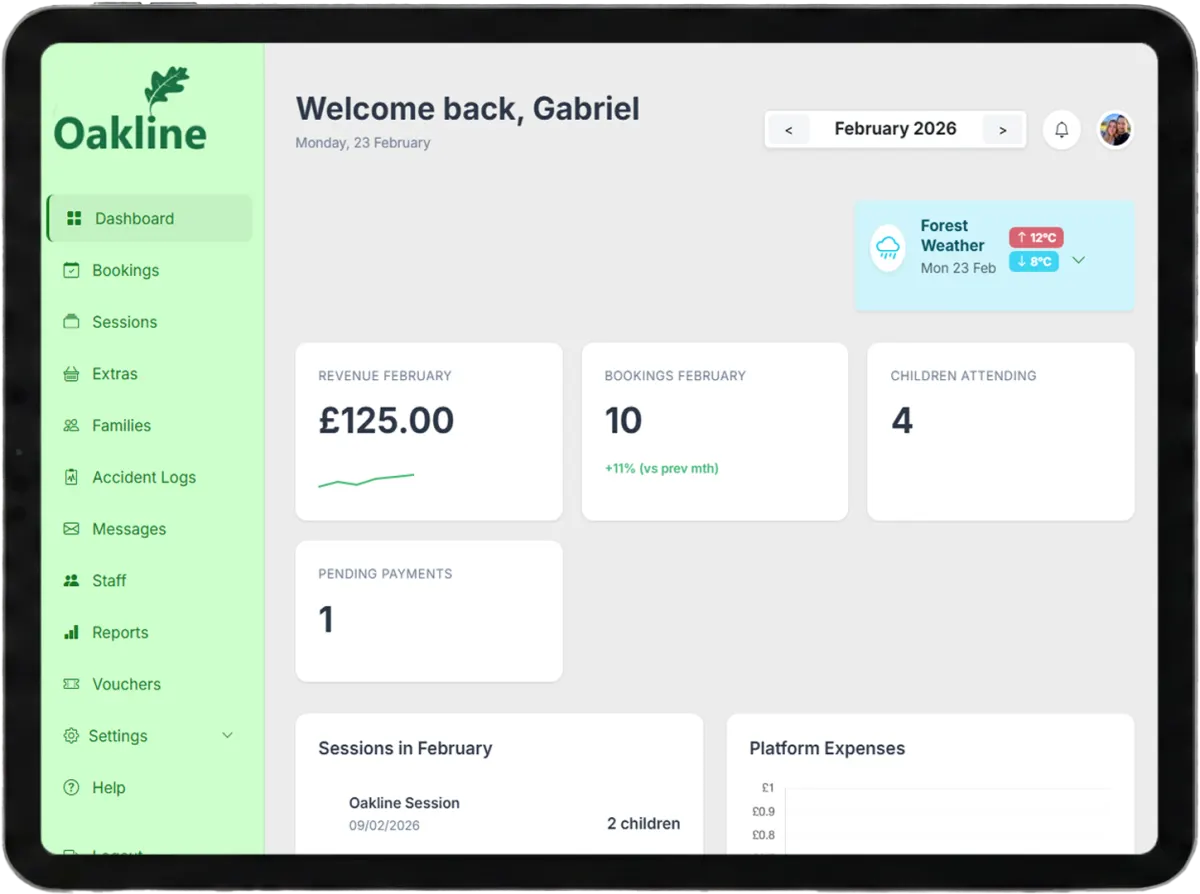
Payments connected to every booking
Take online payments directly through your connected Stripe account, record offline methods and keep balances attached to the families and sessions they belong to.
Guides and feature details
Use the Help Centre for step-by-step guidance or check the feature matrix for current availability and conditions.
Designed around the work
Oakline keeps the customer journey and the provider workflow connected from the first booking through to session delivery and reporting.
Parents pay through Stripe Checkout and funds are routed to your connected account. Oakline does not hold your booking revenue.
Eligible block sessions can offer recurring weekly or monthly payments when the provider enables payment plans.
Record cash, BACS, Tax-Free Childcare and voucher payments while keeping the outstanding balance visible.
One connected workflow
Receipts, outstanding balances, refunds and credits remain connected to the relevant booking rather than living in an unrelated spreadsheet.
Providers decide whether a session can use instalments. Parents can pay in full, weekly or monthly when those choices are available.
For enabled GBP providers in the Funded Sessions pilot, a funder pays the provider directly. Families confirm child or adult places without paying Oakline. A separate Fee Bank entry records Oakline's fee for each confirmed place. Automatic monthly Stripe invoicing is currently switched off.
Full and partial cancellation workflows support proportional refunds or account credits, including individual dates within a larger booking.
Included capabilities
Questions, answered
No. Online booking payments are processed with Stripe Connect and routed to the provider connected to the booking.
Yes. Payment plans are disabled by default and can be enabled for the individual sessions where they make sense.
Enabled GBP providers can use pilot Funded Sessions for child or adult places. The funder pays the provider directly; families confirm without checkout. Oakline records a separate fee per confirmed place in Fee Bank. Automatic Stripe invoicing for these fees is currently off.
Yes. Offline payment records let you keep voucher and childcare payments alongside online transactions.
Yes. The cancellation workflow can calculate the portion associated with an individual occurrence rather than refunding the entire booking.
Create an account without a card, or speak to us about your current booking workflow.