
Your identity stays visible
The tenant name, colours and configured branding carry into the family experience instead of ending at a generic booking link.
Your Forest School, on every parent's phone
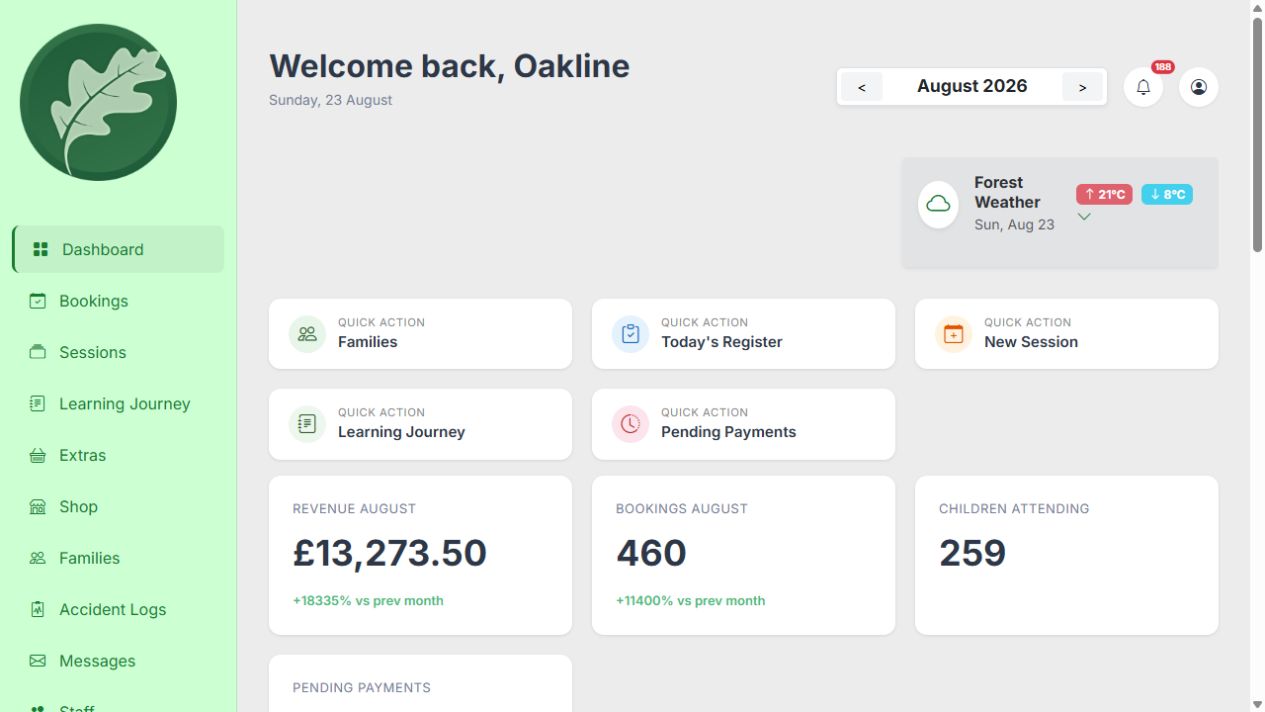
Passwordless booking links are convenient for a quick transaction. Oakline gives families a tenant-branded portal they can return to for bookings, payments, child records, messages and Learning Journeys, and install on supported phones as a Progressive Web App.
Guides and feature details
Use the Help Centre for step-by-step guidance or check the feature matrix for current availability and conditions.
Designed around the work
Oakline keeps the customer journey and the provider workflow connected from the first booking through to session delivery and reporting.
The tenant name, colours and configured branding carry into the family experience instead of ending at a generic booking link.
Parents can revisit bookings, balances, messages, children and learning records without rebuilding their details for every session.
Medical, dietary, SEND, emergency and consent information stays attached to the child record used by authorised operational workflows.
One connected workflow
Oakline is a Progressive Web App rather than a separately distributed native-store app. Supported devices and browsers can add the portal to the phone and open it in a standalone app-like window.
One parent account can manage more than one child, future and past bookings, outstanding balances, credits and family information.
Families can maintain child details including medical and allergy information, SEND context, emergency contacts and consents for the provider to use responsibly.
Private messages and Learning Journeys create a continuing parent experience after booking, with observations, development, galleries and attendance kept in separate views.
The parent account does not reset when a session ends. Booking history, attendance history, payment history and the Learning Journey timeline all stay connected to the same child and family record, so a returning family and their provider can look back over the whole relationship rather than starting again each term.
Included capabilities
Questions, answered
No. Oakline is a Progressive Web App. On supported devices and browsers, families can add the provider portal to their phone without an App Store or Google Play download. Browser and device support can vary.
Yes. The family portal uses the provider tenant's name, colour settings and available logo or icon configuration. Oakline remains the platform behind the experience.
Yes. One parent account can hold multiple child records and manage bookings and information for siblings.
Yes. Families can maintain supported medical, allergy, dietary, SEND, emergency contact and consent fields. Providers remain responsible for checking that information and using it appropriately.
Yes. Parents can select a child and review published Moments, Development, Gallery and Attendance views, subject to the provider's records and photo-consent checks.
Yes. These stay attached to the family's own account and child records rather than being tied to a single session, so parents and providers can look back across previous terms, not just the current one.
Yes. Published Moments, Development, Gallery and Attendance views build into a timeline for each child that parents can revisit, and export by date range as a PDF.
Create an account without a card, or speak to us about your current booking workflow.