
Term blocks and flexible dates
Offer complete blocks, selected dates, holiday clubs and one-off sessions without rebuilding your timetable each week.
Bookings without the spreadsheet
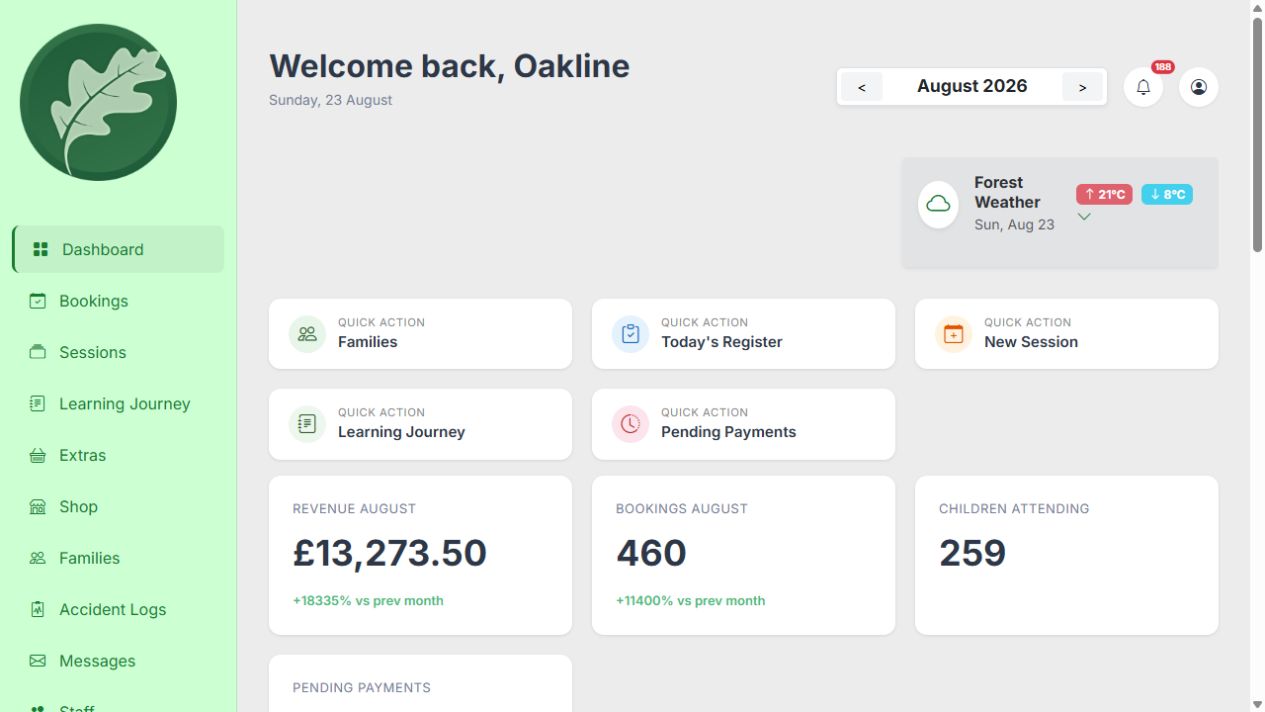
Oakline brings bookings, family records, capacity and session-specific parent communication into one clear workflow. Families return to your branded parent portal for bookings, payments and child information while confirmed places flow into the right register.
Guides and feature details
Use the Help Centre for step-by-step guidance or check the feature matrix for current availability and conditions.
Designed around the work
Oakline keeps the customer journey and the provider workflow connected from the first booking through to session delivery and reporting.
Offer complete blocks, selected dates, holiday clubs and one-off sessions without rebuilding your timetable each week.
Families do not just receive a booking link. They use your branded parent portal for siblings, bookings, balances, records, messages and Learning Journeys.
Availability, waitlists and attendance all work from the same booking record, reducing duplicate lists and manual checks.
One connected workflow
Set session dates, times, prices, age ranges and capacity from one place. Oakline supports regular terms as well as the less predictable patterns common in outdoor education.
On supported devices and browsers, families can install the tenant-branded Progressive Web App and return to the same parent portal for bookings, payments, family records, messages and Learning Journeys.
Alongside the standard booking confirmation, a session can send a separate provider-written welcome email with its own kit list, weather notes, water-play reminders, food guidance or meeting-point instructions.
Confirmed bookings feed registers, family records, payment reporting and communications. Your team works from the same information the parent supplied.
Included capabilities
Questions, answered
Yes. Block sessions can include every planned date and keep the parent, child and payment connected across the term.
Yes. You decide whether a session is sold as a block, as specific dates, or as individual occurrences.
Oakline stops further bookings and offers a waitlist. When a place opens, whether from a cancellation or because you increase the session's capacity, Oakline automatically emails an invitation to the next family on the waiting list.
Yes. Active bookings appear against the relevant occurrence, with the child information your team needs for the session.
Yes. Each provider has a tenant-branded parent portal where families can manage children, bookings, balances, messages and Learning Journeys. On supported devices and browsers, the portal can be installed as a Progressive Web App.
Yes. A session can send a standard booking confirmation plus a separate provider-written welcome email with practical instructions. If one checkout contains several sessions, Oakline currently sends the welcome email for the first enabled session in that checkout.
Create an account without a card, or speak to us about your current booking workflow.